Providers · chapters · 02 of 25
Plex
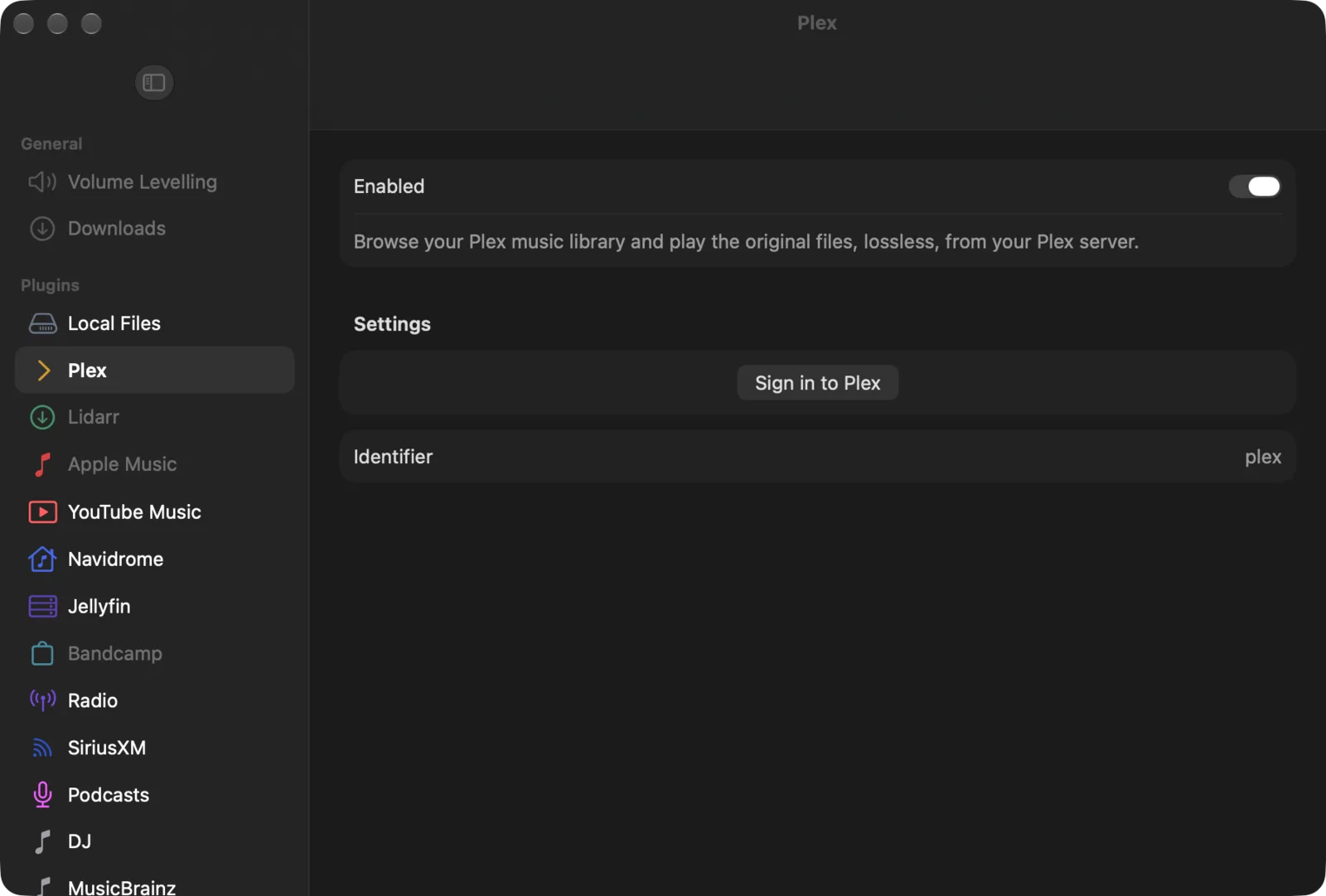
Browse your Plex music library and play the original files, lossless, from your Plex server.
facts
- status
- beta
- kind
- source
- on by default
- yes
- needs
- Plex account, Plex Media Server with a music library
- platforms
- iPhone, iPad, Mac, Vision Pro, Apple TV, Android, Android TV, Linux, FreeBSD, Windows
Description
Plex puts the music library of your Plex Media Server in Yafmp’s library panel. Yafmp asks the server for the original file and plays it as it is, so a FLAC stays lossless. Nothing is transcoded.
The library shows Artists and Albums (large libraries are split into A–Z folders), Recently Added, Genres and Decades, and also Playlists, Recently Played, Top Artists and Albums, Styles, Moods, Record Labels, Compilations, Soundtracks and Folders. Search covers artists, albums and tracks. Covers come from the server.
Requirements
- A Plex account.
- A Plex Media Server that the account can reach, with at least one music library.
- For the best connection, the device on the same network as the server. Yafmp prefers the server’s home-network address and falls back to a remote one. Plex’s relay connections are skipped, because they are bandwidth-capped.
- On Android 16 and later, the Nearby devices permission. Without it Android silently drops connections to a server on your own network.
Plex Pass is not needed.
Setup
- Open Preferences → Plugins → Plex (Apple) or Settings → Plex (Android and desktop).
- Choose Sign in to Plex.
- Apple: a Plex sign-in page opens, with a QR code to finish on another device.
- Android and desktop: Yafmp shows a short code. Enter it at
plex.tv/link, or scan the QR code with your phone.
- Pick your server. With one server, Yafmp picks it for you.
- The Plex rows appear in the library.
Settings
| Setting | Default | What it does |
|---|---|---|
| Account | — | The Plex account you are signed in with. Read-only. |
| Server | first server found | Which Plex Media Server to browse and play from. |
| Connection | — | Read-only. Home network or Remote on Apple; the server’s address on Android and desktop. |
| Sign Out | — | Forgets the account and removes the Plex rows from the library. |
| Show in the library | all on | Android and desktop: one checkbox per Plex row (Artists, Genres…). On Apple, use the slider button beside the library’s search field. |
The sign-in token is kept in the system keychain (Apple) or the app’s private storage (Android and desktop). It is never written into a playlist or an exported file.
Limits
- Music libraries only. Yafmp does not play Plex video, photos or live TV.
- Playback is direct play of the original file. A file the device can’t decode will not play; there is no fallback to a transcoded stream.
- Away from home, playback depends on the server being reachable directly. Relay-only servers will not connect.
- Volume levelling uses the loudness values Plex has analysed. Albums Plex has not analysed play at their own level.
Troubleshooting
| Problem | Why | What to do |
|---|---|---|
| Signed in, but no server listed | The account has no server, or the server is offline | Check the server at app.plex.tv, then reopen the Plex settings. |
| Connection says Remote at home | The server’s local address isn’t reachable from this device | Put both on the same network; on Android 16+ allow Nearby devices. |
| The library is empty | The server has no music library, or its scan hasn’t finished | Add a music library in Plex and let it scan. |
| New albums are missing | Yafmp keeps the lists it has loaded | Right-click (or long-press) the Plex heading in the library and choose Refresh. |