Yafmp · chapters · 07 of 11
Visualizers
Every visualizer style, where it runs, how to open it and what it cannot hear.
Opening a visualizer
A visualizer can take the place of the cover, or fill a window or the screen.
In place of the cover
- Start something playing.
- Choose the visualizer button on the cover in the Now Playing panel or the player. On Android and desktop it is the equalizer-bars button in the player’s row of buttons.
- Pick a style. Cover brings the cover back.
Full screen
- Apple: choose Full Screen Visualizer in the same menu. On iPhone and iPad it fills the screen, and the ✕ button closes it. On the Mac and Vision Pro it opens the Visualizer window, also on ⌥⌘V. On the Mac, use the green button to make that window full screen.
- Android and desktop: choose Full screen in the menu, or press F. Tap or click the picture to close it, or press Esc.
The full-screen visualizer has its own style picker on top. In the Apple edition it remembers its own style, separate from the one on the cover.
On Android and desktop, ] and [ step to the next and previous style.
Styles
| Style | What it shows | Platforms |
|---|---|---|
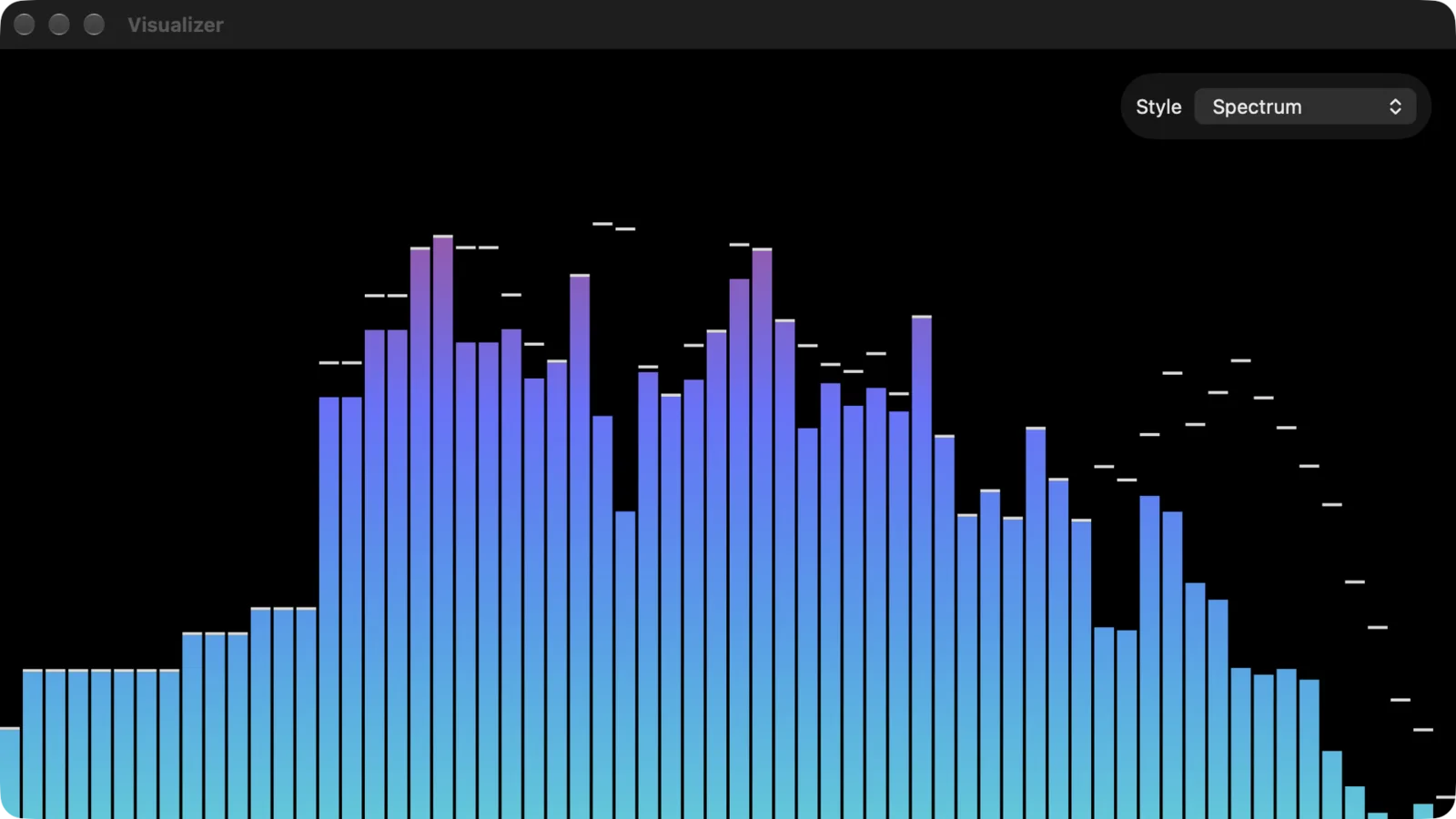
| Spectrum | Bars per frequency band, with peak caps that hang a moment. | All |
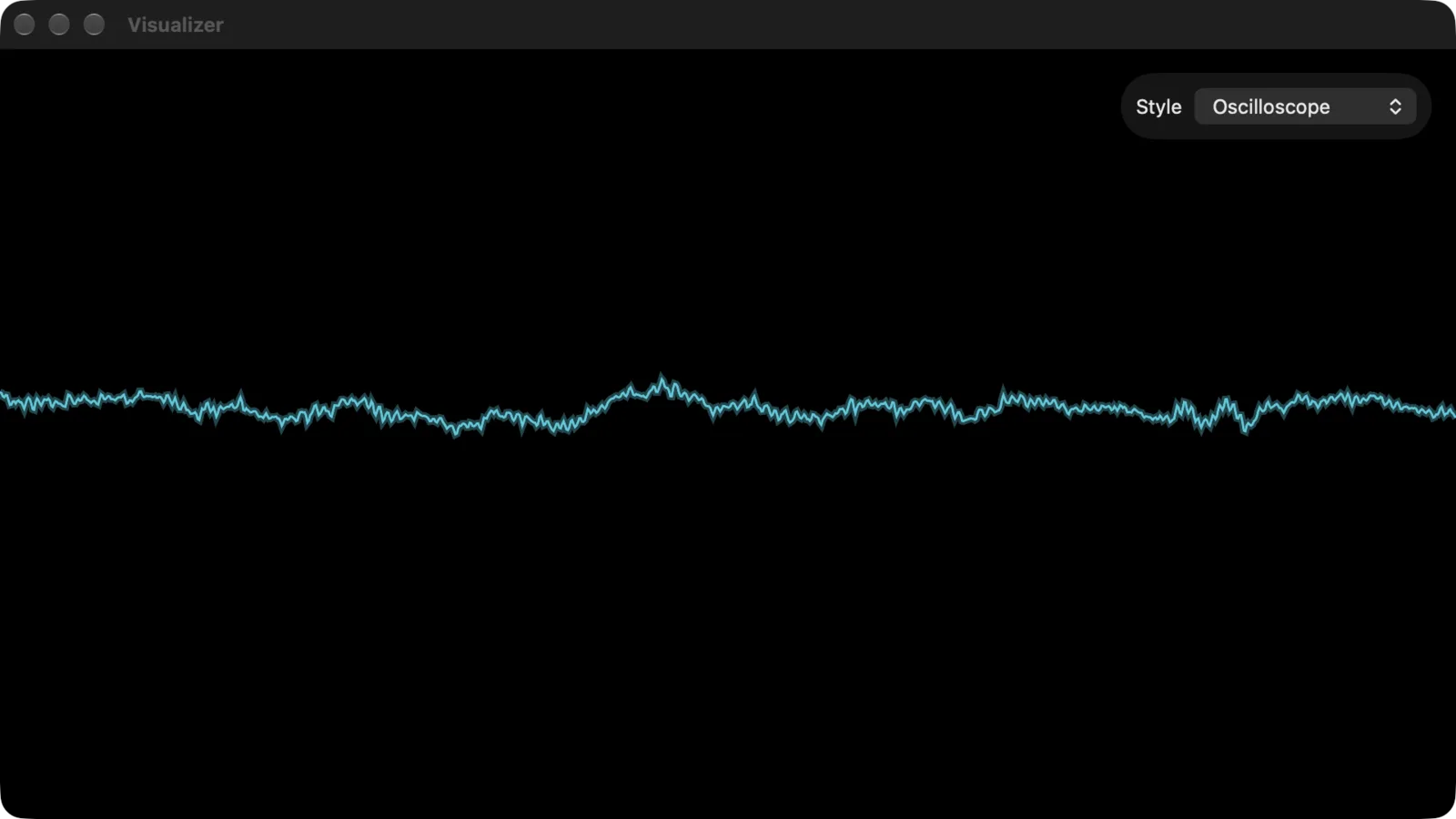
| Oscilloscope | The waveform as a glowing line. | All |
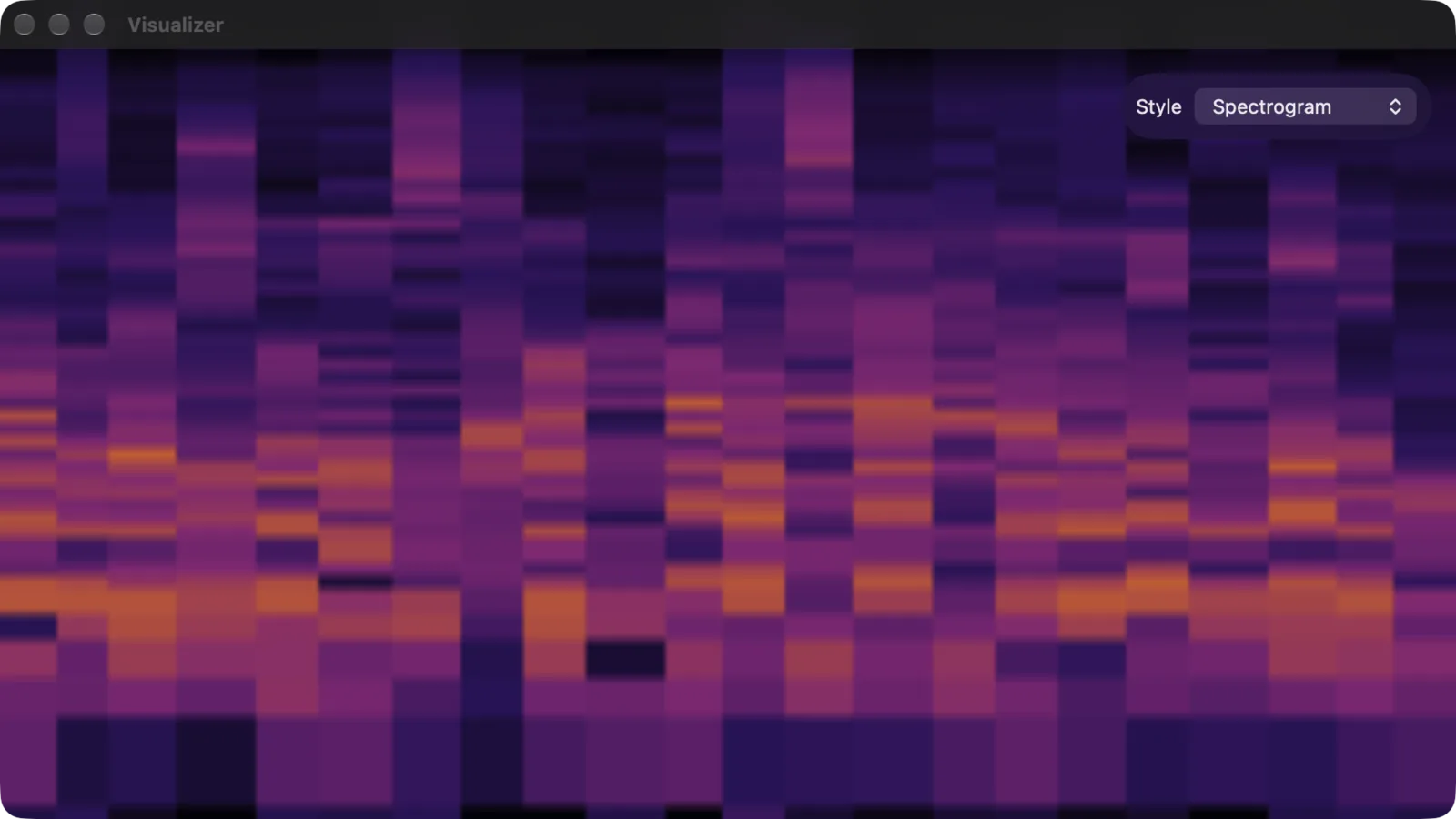
| Spectrogram | A scrolling heat map of the last few seconds, low notes at the bottom. | All |
| AVS | Winamp AVS presets. See AVS presets. | All |
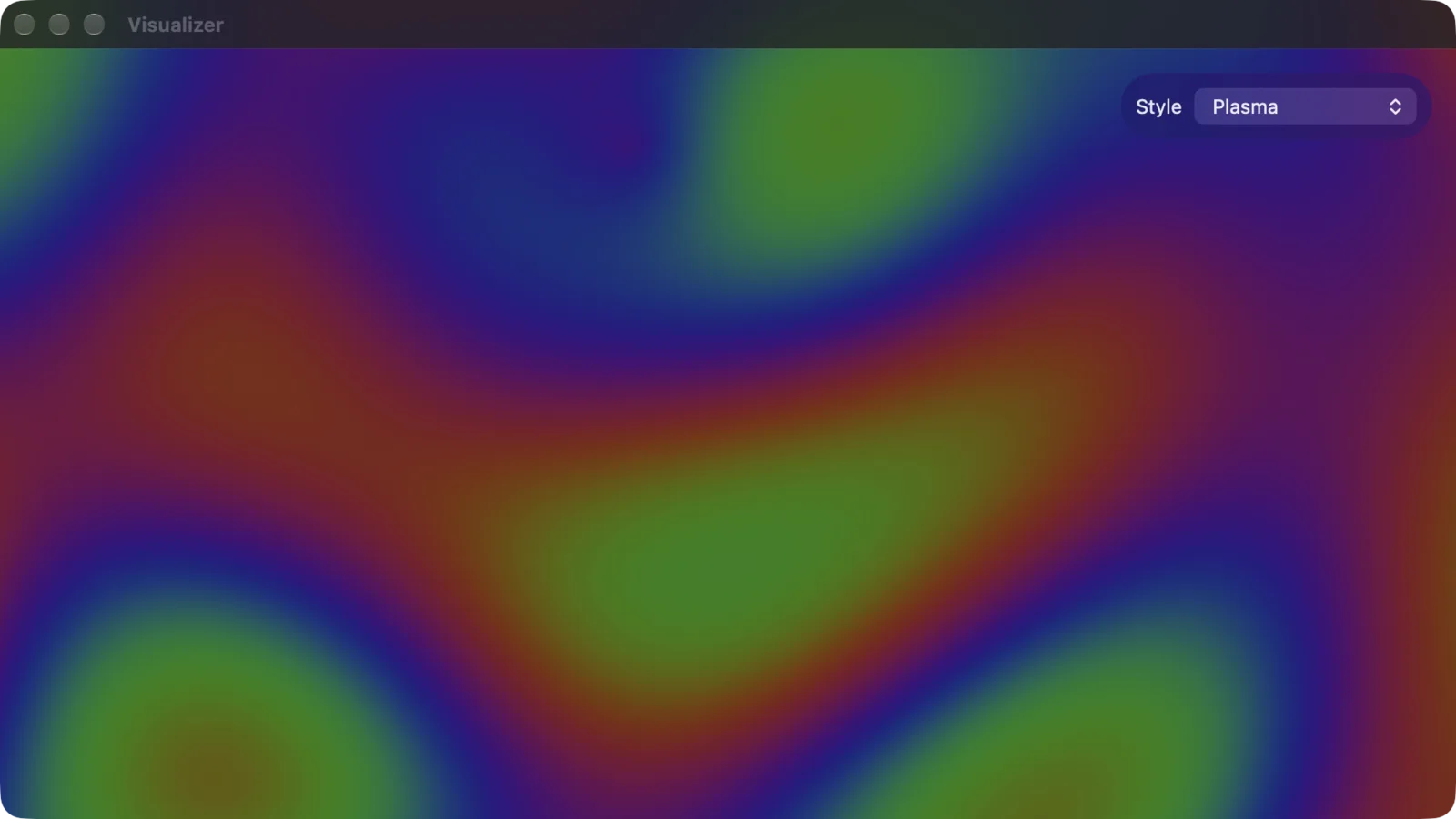
| Plasma | A GPU shader that moves with the bass, mids, treble and beat. | All |
| Tunnel | A shader tunnel you fly through. | All |
| Kaleidoscope | A mirrored shader pattern. | All |
| Orb | A shader sphere that pulses with the music. | All |
| Drift | Frame feedback: each frame is the last one warped and faded, with new light added. | All |
| Vortex | Frame feedback that turns. | All |
| Bloom | Frame feedback that blooms outward. | All |
| Rain | Frame feedback that falls. | All |
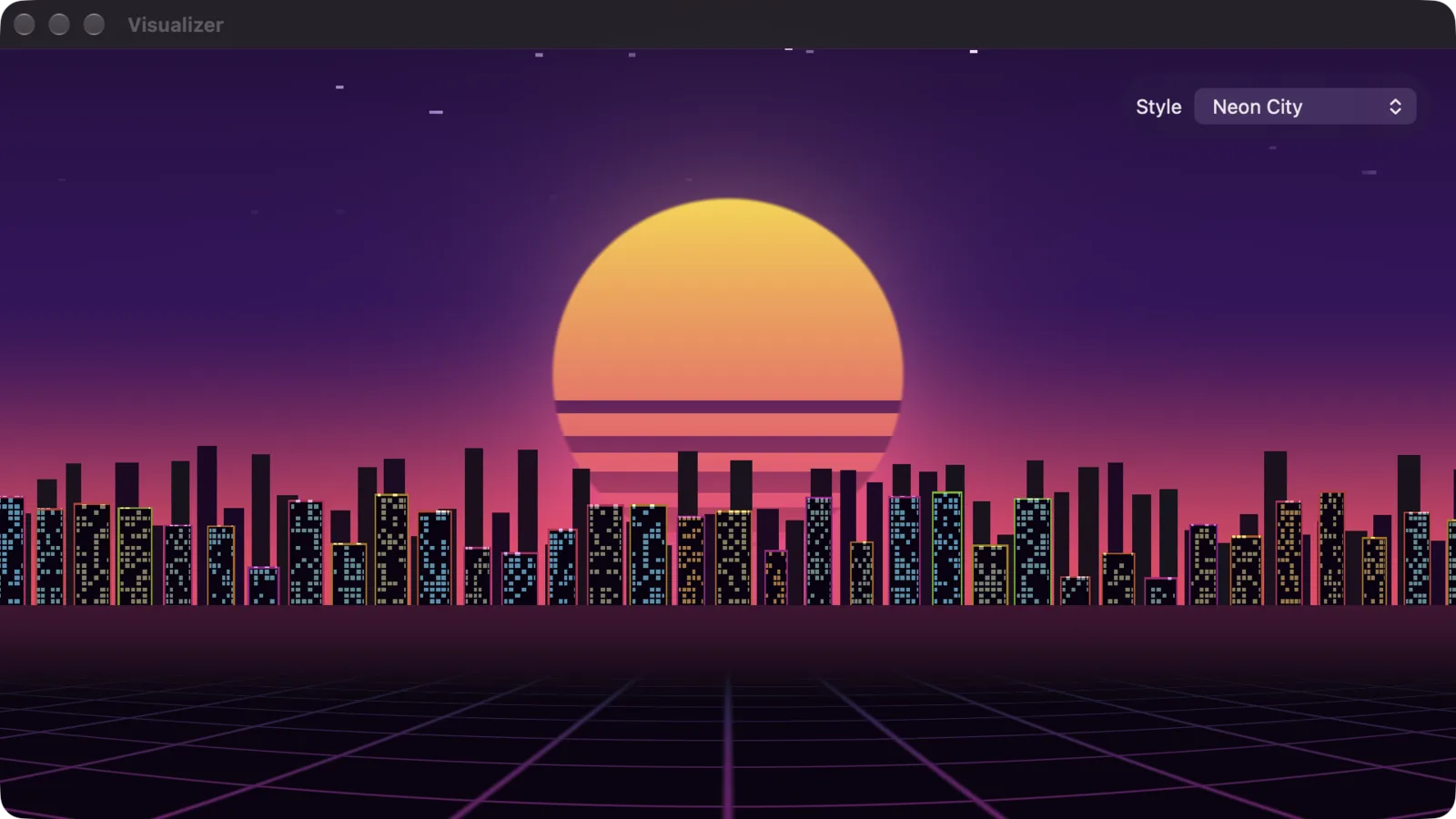
| Neon City | A night skyline over a grid floor in perspective. | All |
| Midnight City | A variant of Neon City. | All |
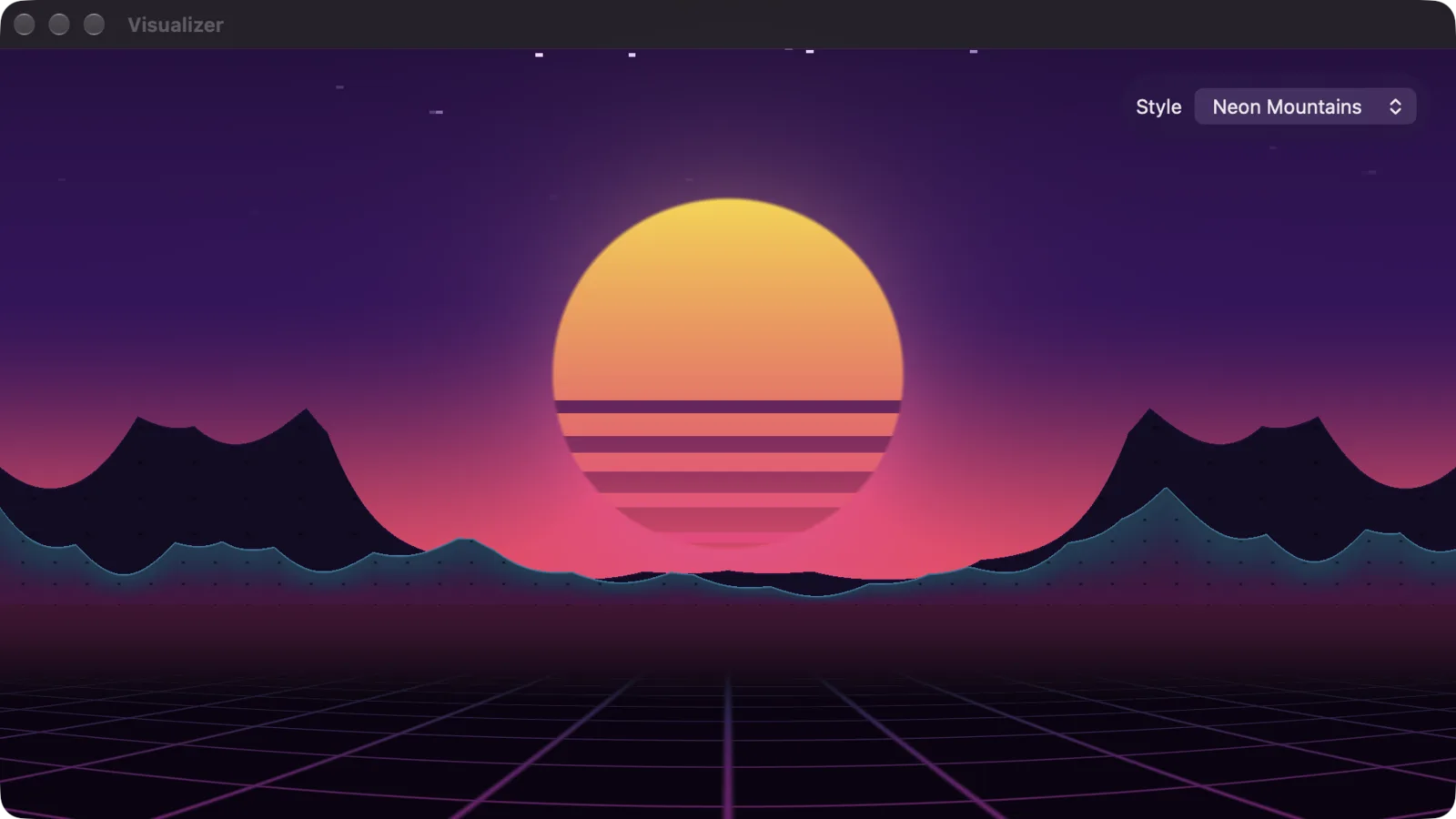
| Neon Mountains | A variant of Neon City with mountains. | All |
| Neon Coast | A variant of Neon City with a coast. | All |
| Rainy Neon | A variant of Neon City in the rain. | All |
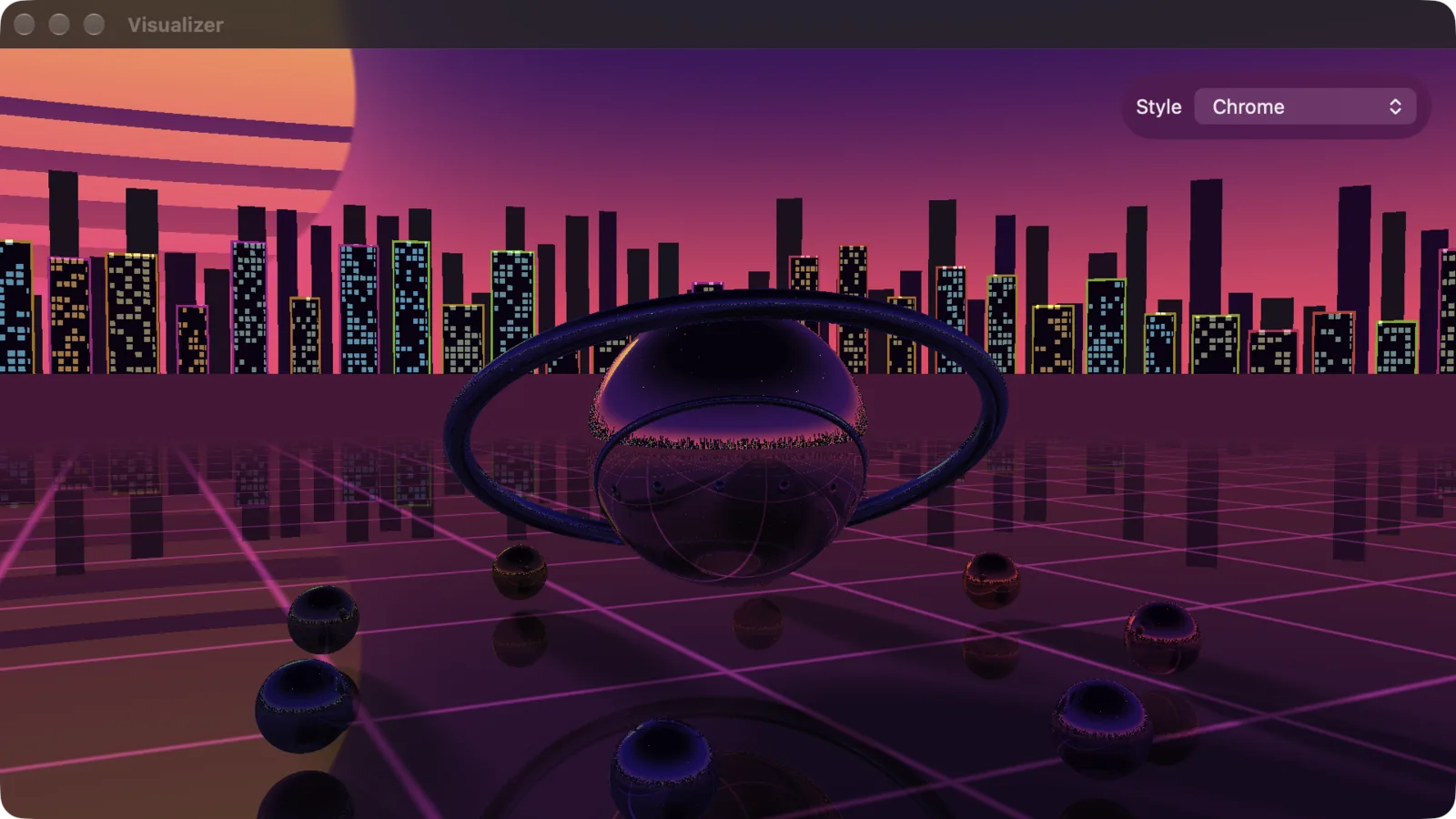
| Chrome | A mirror sphere, a ring and orbiting spheres on the neon grid, reflecting the city. | Mac, Vision Pro, Android, Linux, FreeBSD, Windows |
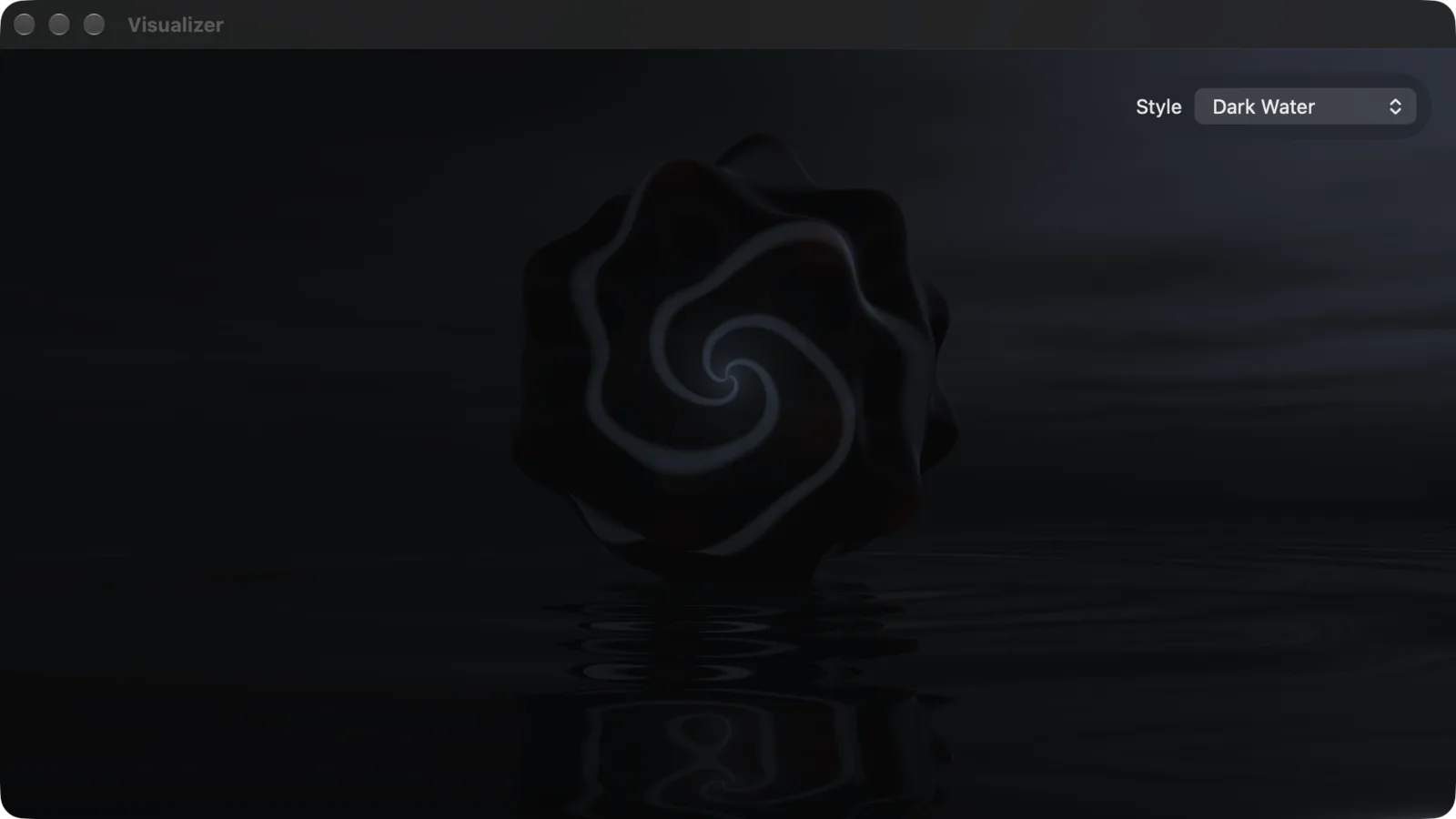
| Dark Water | A shape that keeps changing, floating over black water at night. It spikes with the bass and stirs rings in the water. | Mac, Vision Pro, Android, Linux, FreeBSD, Windows |
| Milk | A fluid simulation on the GPU. Drum hits splash milk. | iPhone, iPad, Mac, Vision Pro, Linux, FreeBSD, Windows |
| Boxed | Bouncing balls in a box that move with the music, ported from XScreenSaver. | Android, Linux, FreeBSD, Windows |
| Analyzer | A full-scale spectrum from the FFT bins, with a colour pull-down. | Linux, FreeBSD, Windows |
“All” means every platform of both editions.
Notes on platforms:
- Chrome and Dark Water are heavy. The Apple edition leaves them off iPhone, iPad and Apple TV.
- On Android, the shader, frame-feedback and Neon styles need Android 13 or later. On older versions they fall back to the spectrum bars.
- Many of these styles are built but have not been seen running on every platform listed. Treat the less common combinations as untested.
The desktop’s GL window
On the Linux, FreeBSD and Windows desktop, Milk and Analyzer run in a window of their own, full screen on the monitor the app is on. It needs a graphics driver with OpenGL 4.3.
| Key or action | What it does |
|---|---|
| Esc | Closes the window. |
| Click | Closes the window, unless the scene uses the click. |
| Left, Right | Previous and next style. |
| D | Shows or hides a debug overlay with the frame rate and levels. |
The Analyzer’s colour pull-down is at the bottom of its window.
On the cover, these two styles show the spectrum bars instead. If the GL window cannot open, the full-screen view falls back to the spectrum bars too.
The GL window has been run on Linux. It is built for FreeBSD and Windows but has not been confirmed there.
AVS presets
AVS plays presets made for Winamp’s Advanced Visualization Studio.
Apple:
- With AVS chosen, the menu gains AVS Preset: Choose Preset…, Next Preset, Previous Preset and Random Preset.
- Choose Preset… opens the preset browser, with a search field and the presets in groups. The bundled group is called Nullsoft.
- Import… in the browser adds your own
.avsfiles, or a folder of them. Imported presets can be deleted from the browser. - Not every preset from the Winamp era draws correctly.
Android and desktop:
- A set of built-in presets. In the full-screen visualizer they are listed in a row along the bottom.
- There is no import.
- AVS on Android and desktop is an early stage and has had little testing.
Vision Pro
On Vision Pro the visualizer window has three more controls: Immersive, the immersive scene picker and 3D Cover. Immersive is also on ⌥⌘E, and 3D Cover on ⌥⌘3.
3D Cover opens the playing album as an object you can place in your room.
Immersive scenes:
| Scene | What it shows |
|---|---|
| Bars | A ring of spectrum bars around you. The room stays visible. |
| Bar Helix, Bar City, Bar Dome | Three more layouts of the same bars. |
| Place Bars (on tables, walls) | Spectrums you place on surfaces in your room by pinching. |
| Ring of Sparks | A ring of sparks. Sparks… opens dials for intensity, height and spark size. |
| Milk Pool | The Milk fluid on a disc on the floor. |
| Floating Covers | The album’s covers drift around you. |
| Cover Kaleidoscope | You are inside a kaleidoscope of the cover. The Digital Crown sets how much of the room it replaces. |
| Chrome Shapes | Chrome shapes lit by the cover. |
| Cover over Water | The cover over dark water, with its reflection below. |
| Liquid Light Show | A 1960s-style liquid light show on a curved wall in front of you. The Digital Crown dims the room. |
| Plasma Wall, Kaleidoscope Wall, Orb Wall | The window’s shader on a wall in front of you. |
| Inside the Tunnel | The Tunnel style all around you. It replaces the room entirely. |
| Neon City, Midnight City, Neon Mountains, Neon Coast, Rainy Neon | The Neon scenes all around you, fully immersive. |
| Chrome | The Chrome scene with real 3D mirror objects. |
| Dark Water | The Dark Water scene all around you. |
Most of the Vision Pro scenes are built but have had little testing in the headset.
Apple TV and Android TV
Both TV layouts can show a visualizer in place of the cover and full screen, and use one as a screensaver after 30 seconds without input while music plays. See TV and Steam Deck.
What the visualizer cannot hear
A visualizer draws from the sound that passes through Yafmp. Sources that play through their own player give it nothing to draw. See Sound for the list.
| Edition | The visualizer cannot hear |
|---|---|
| Apple, every device | Apple Music, Spotify, YouTube Music, anything sent to a Chromecast, SoundCloud, and radio stations that stream as HLS or Ogg. |
| Android and desktop | Spotify. |
In the Apple edition the cover stays in place and a small note says why, for example “The visualizer can’t hear Apple Music”. This includes Apple Music on Vision Pro.
On the Linux and FreeBSD desktop, the visualizers can hear Apple Music.